Add to Home Screen

The icon sits on your home screen and opens full screen, without the browser bars.

  1. 1

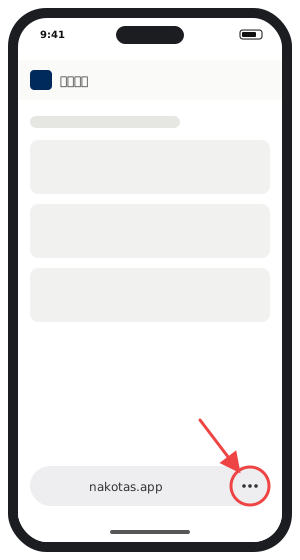
    Tap the "..." at the bottom right.

    The three-dot button at the bottom right of Safari
  2. 2

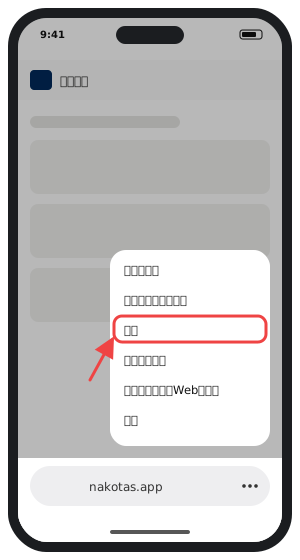
    Choose "Share" in the menu.

    "Share" in the menu
  3. 3

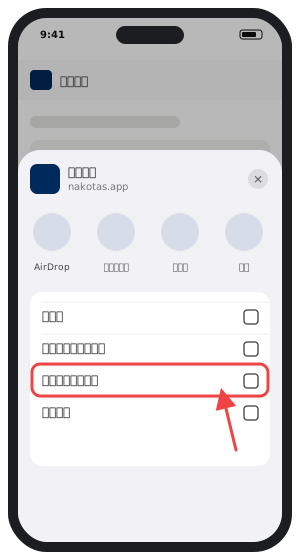
    Scroll the list and choose "Add to Home Screen".

    "Add to Home Screen" in the share sheet
  4. 4

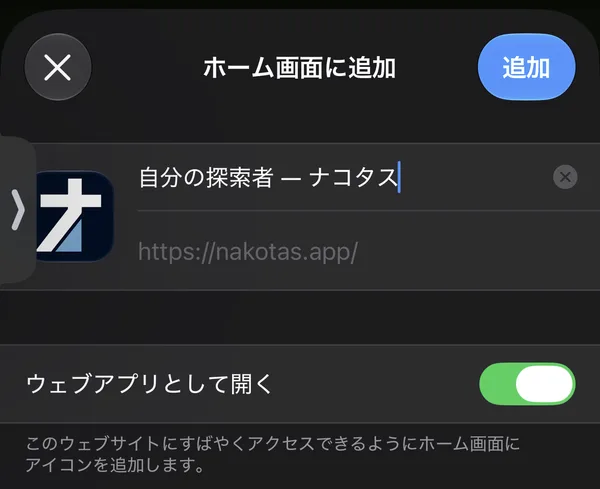
    Tap "Add" at the top right. You can change the name.

    The iPhone Add to Home Screen sheet with the name field and the Open as Web App switch
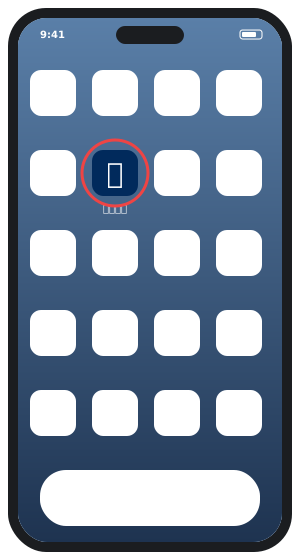
The Nakotas icon on a home screen

The Nakotas icon appears on your home screen.

Add to Home Screen — ナコタス